


A fake bank alert usually looks convincing at first glance. The SMS carries your bank’s name, the screenshot has the right logo and a “successful” stamp, and the customer is already halfway out of your shop with the goods. Busy traders, POS operators and online vendors are the people most exposed as festive sales pick up towards December, because the person running this trick is counting on you being too rushed to check properly.
The Central Bank of Nigeria warned the public earlier this year about fraudsters sending messages that falsely claimed to come from the bank, and its advice was to verify anything suspicious through official channels. For anyone selling something, the official channel that matters is your own account, checked by you, every single time.
The SMS and the screenshot are the two easiest things to fake
Credit SMS alerts can be sent with a sender name that looks exactly like a real bank’s, so an alert that lands in the same thread as your genuine ones still doesn’t prove that money arrived. Screenshots are even easier to produce, since there are apps and websites that generate realistic transfer receipts with whatever amount, name and reference number someone types in. Some fraudsters also start a real transfer that later fails or gets reversed, then show you the “processing” screen as if the payment had gone through.
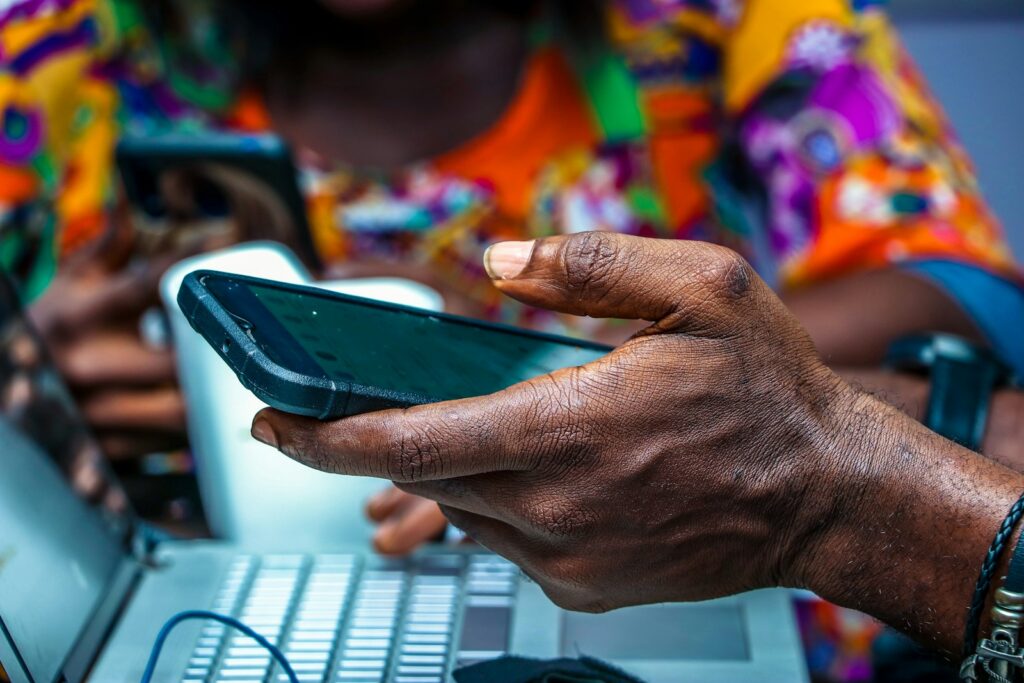
Don’t release goods, cash or a service because of an SMS, a screenshot, a forwarded receipt or a phone screen held up to your face, no matter how rushed or important the buyer seems. Release them only when the money is sitting in your actual balance, and if a customer gets angry about waiting a minute for you to confirm, that reaction tells you something too.
Check your own banking app, never anything the buyer sends you
Open your bank app or dial your bank’s balance USSD code yourself, then look at the available balance and the transaction history. A genuine inflow shows up there with the sender’s name attached. Don’t click a link the customer sends to “confirm” the payment, and don’t call a customer care number printed on their receipt, because either one can lead you to a fake page or to someone working with them.
If you take payments through a POS terminal or a payment app with a merchant dashboard, the transaction should appear there as well. Many shops keep a second phone logged into the business account just for this, so whoever is at the counter can confirm payments without leaving the customer. It also helps to switch on in-app notifications from your bank, since those come from the app itself rather than through SMS.
When the money “hasn’t dropped”, a real customer can wait with you
Instant transfers between Nigerian banks usually land within seconds, but delays do happen, especially on busy days or when a bank’s system is having issues. A genuine customer whose transfer is delayed can wait a few minutes, pay part in cash, or come back for the item once the money reflects. Someone who insists you hand over the goods right now because “it will soon drop” is asking you to carry their risk for them.
Compare the name on the incoming transfer with the name of the person standing in front of you, or the name they gave you in the chat. If they don’t match, or the money seems to come from a random third party, ask about it before anything leaves your hands.
The “I sent it to you by mistake” call is the same trick turned around
Another version targets people who aren’t selling anything at all. You receive an alert, or what looks like one, followed by a call or message from someone saying they sent money to your account by mistake and begging you to send it back. Check your real balance first, because if nothing came in, you’ve just caught a fake alert. If money really did come in, don’t refund it yourself. Tell the person to contact their own bank so the reversal goes through the proper process, and let your bank know as well.

Going through the bank protects you from a nastier version of the scheme, where the fraudster sends real money from a stolen or disputed account, collects a “refund” from you, and leaves you to explain the original transfer when the bank or investigators come asking.
Already released the goods? Move fast and keep every detail
Call your bank’s official customer care line straight away, give them the transaction details and the screenshot you were shown, and ask what they can do. Then report it to the police and to the EFCC, which receives fraud complaints through its official channels. Save the chat, the buyer’s phone number and any CCTV footage you have, since those are exactly what investigators will ask for.
Tell the traders around you too. People running fake alerts often try several shops on the same street, and a quick message in your market or estate WhatsApp group can save the next person. If you’re on the buying side this festive season, it’s just as useful to check if a business is CAC registered before you pay a new vendor, and these cybersecurity tools for small businesses can help keep the phones and accounts you use for payments safe.





Join the conversation